Get the AI Restaurant Quick-Start Guide — Free
The 5 AI tools independent US restaurant owners are using right now to cut labor costs and answer every call.
Voice AI on Restaurant Kiosks: The NRA 2026 Ordering Shift Owners Need to Know
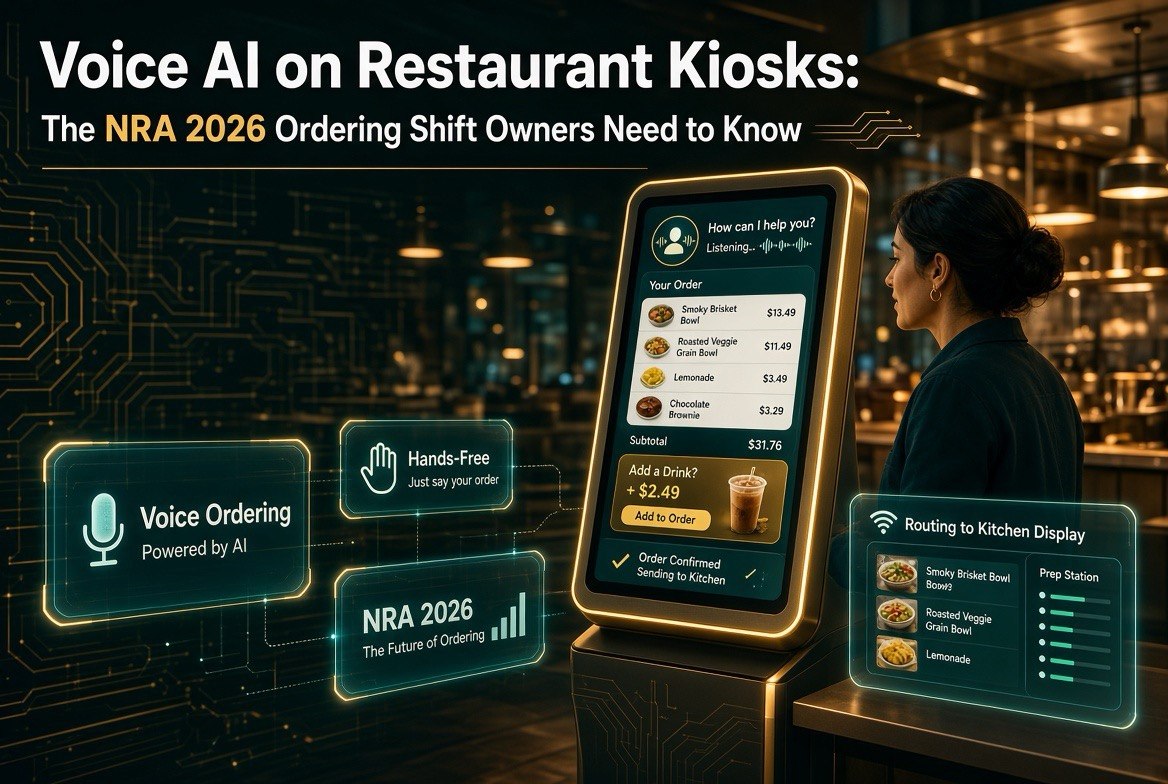
⚡ Expert Summary: At the 2026 National Restaurant Association Show, voice AI on self-service kiosks took center stage — letting guests order by speaking instead of tapping, with the kiosk confirming items, upselling sides, and routing the ticket to the kitchen hands-free. For an independent US restaurant, this closes the gap between kiosk convenience and the speed of a cashier. The technology is moving from checkout-terminal novelty to a genuine labor multiplier, and owners who understand it now can adopt it before the chains lock in the advantage.
Why Voice on Kiosks Is Different From Voice Ordering
There’s a real difference between the drive-thru voice AI you’ve heard about (a speaker-and-microphone system that takes your order through a window at a car) and voice AI on a kiosk (a self-service touchscreen you talk to instead of tap). The drive-thru version was built for cars and speed. The kiosk version is built for the guest standing in front of you, in the dining room or lobby, who wants to order without typing on a greasy screen.
That distinction matters for independents because kiosks are already in thousands of US quick-service and fast-casual spots. Adding voice to them doesn’t mean installing new hardware — it means updating what’s already on the floor. Lower barrier, faster payoff.
The pitched benefit at NRA 2026 is speed and accuracy: a guest says “I’ll have the chicken sandwich with extra pickles and a large soda,” and the kiosk gets it right the first time, confirms it back, suggests a side or dessert, and sends the order to the kitchen — all without the guest touching the screen once.
How the NRA 2026 Show Framed It
The NRA Show is where restaurant technology vendors prove their roadmaps, and voice-on-kiosk was one of the clearest themes this year. The framing vendors pushed had three parts:
- Reduce friction at the kiosk. Guest studies have shown some customers find tapping through menus slow or confusing — voice removes that barrier.
- Drive average check. A kiosk that can upsell (“add fries for $2 more?”) in a natural voice sells more than a static screen.
- Cut labor strain. A voice kiosk handles the ordering queue, so counter staff spend time on food, cleaning, and guests — not relaying orders.
For owners, the headline takeaway wasn’t a single vendor — it was that the technology is now mature enough for real deployment, not just pilot programs.
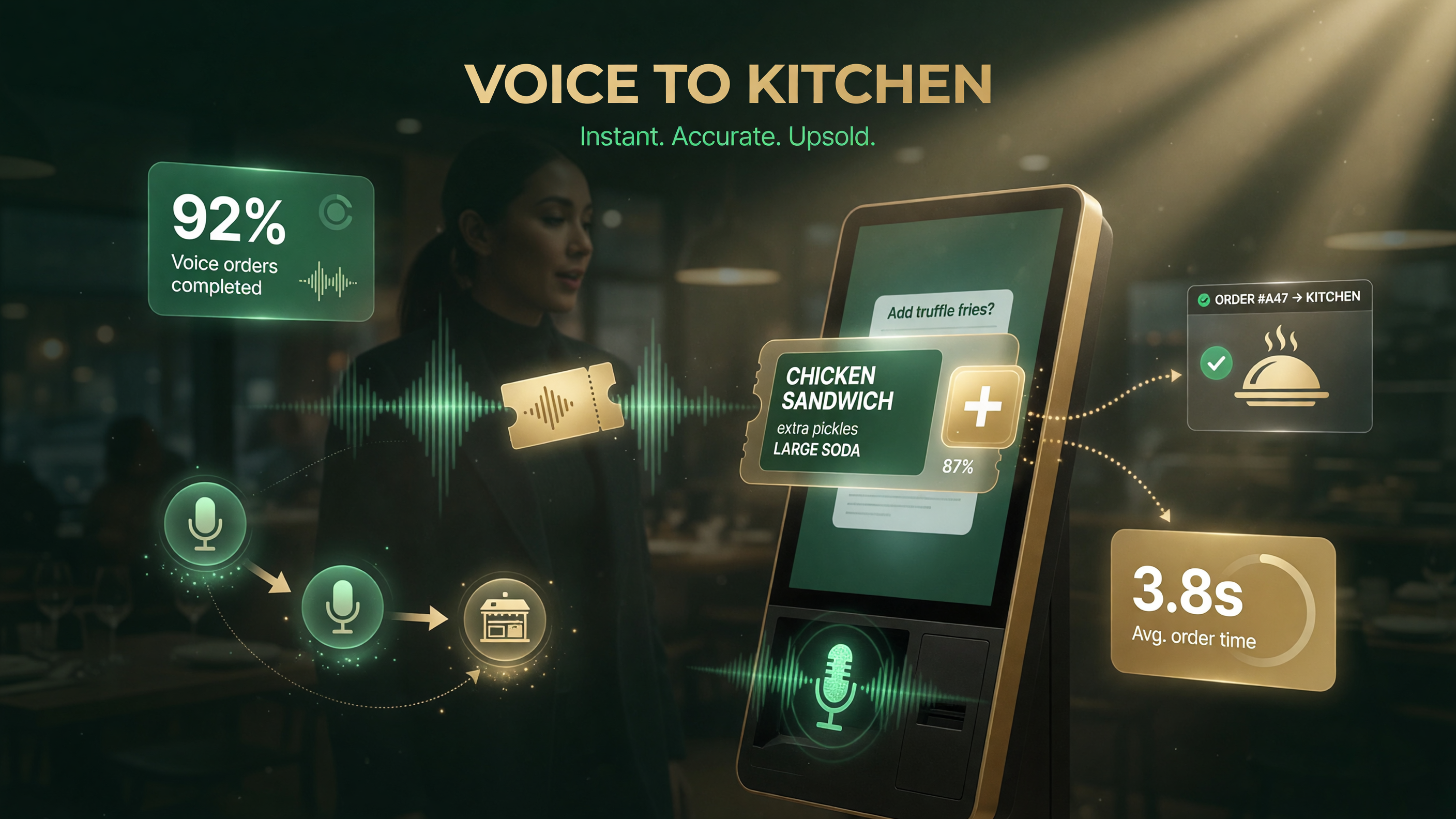
A guest speaks their order; the kiosk confirms, upsells, and sends the ticket to the kitchen.
The Guest Experience: Talking to a Kiosk Feels Natural Now
The biggest reason voice kiosks keep getting better is that the voice itself is realistic. Earlier generations felt robotic and guests avoided them. Current systems use conversational AI that handles natural phrasing, follow-ups, and corrections — the difference between a machine that works and a machine people actually use.
Picture a guest at your counter kiosk:
- They say “Two burgers, one with cheese.”
- The kiosk confirms: “Two burgers, one with cheese — anything else?”
- It asks “Drinks?” and the guest says “Two medium sodas.”
- It suggests “Add a side of onion rings for $2.50?”
- The guest pays, and the ticket goes straight to the kitchen.
Done well, that’s faster than tapping through a menu and more accurate than a rushed cashier repeating an order back.
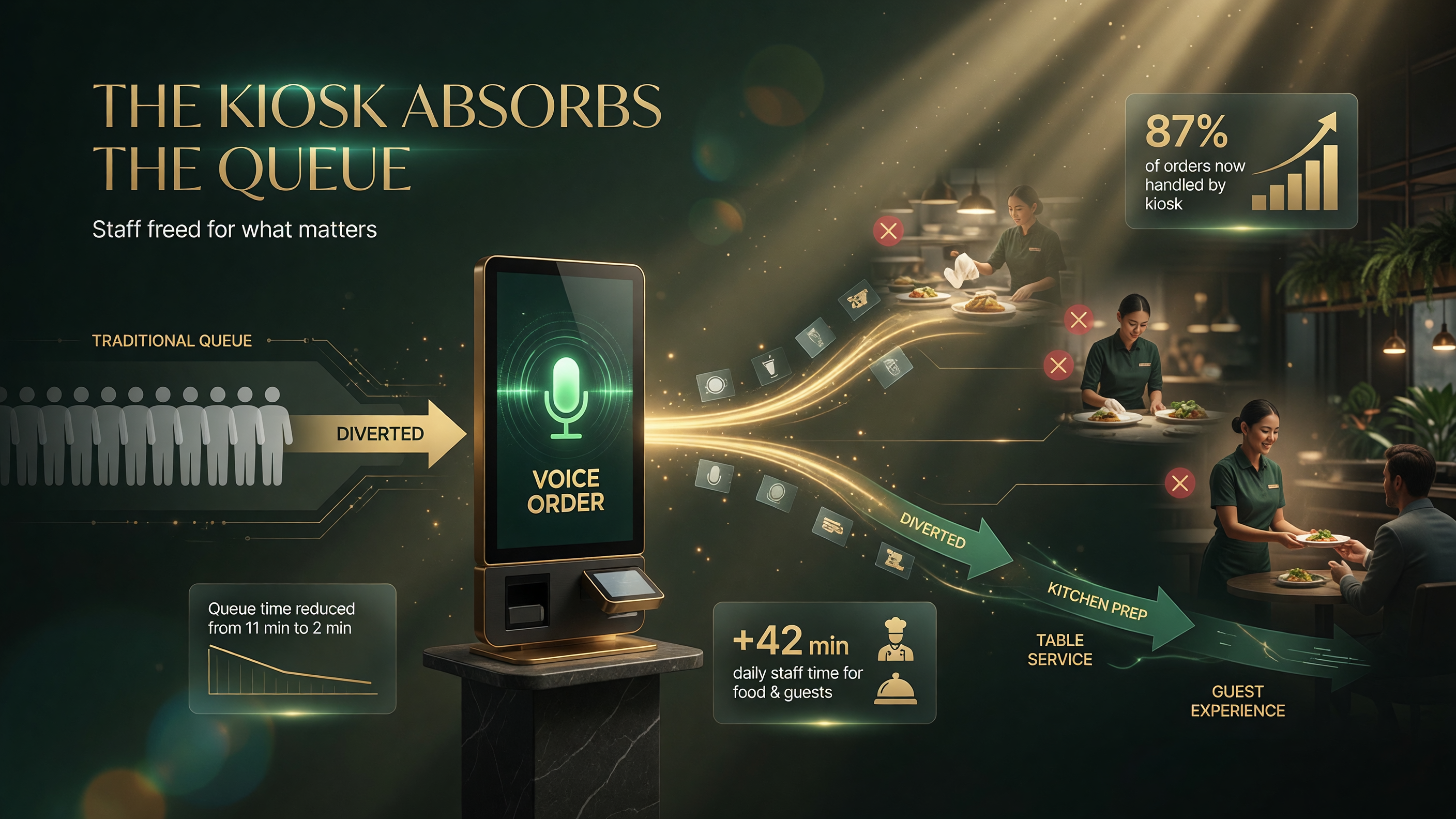
A voice kiosk absorbs the ordering queue so staff focus on food and guests.
What It Means for Your Labor Costs
Labor is the single biggest line item in a restaurant’s cost structure, and voice kiosks attack it where it hurts recruiting: the boring, repetitive ordering queue. If a kiosk can reliably take and confirm a standard order, you need fewer bodies just to relay orders, and your staff can focus on the stations that actually need humans.
The honest caveat is that kiosks don’t eliminate the need for staff entirely — someone still assembles the food, cleans, and handles the exceptions. But for a limited-service concept running lunch rush, one voice kiosk can absorb a meaningful share of the ordering volume that used to require a dedicated order-taker.
For a full-service independent, the near-term case is different: fewer kiosks, more about speed-to-table for to-go and counter orders, or as a second channel during peak. The math depends entirely on your concept’s order volume and menu complexity.
Menus, Accuracy, and the Things to Watch
Voice kiosks shine on simple, standardized menus and struggle with complexity. Before you commit, stress-test these:
| Factor | Works well for | Watch out for |
|---|---|---|
| Menu size | Short, standardized menus and combos | Long, build-your-own menus with many modifiers |
| Modifiers | A few common options (cheese, no onions) | Dozens of substitutions and allergy notes |
| Language | Clear, direct guests | Heavy accents, noisy dining rooms, children’s voices |
| Upsell accuracy | Suggested sides and combos | Suggesting items that change availability mid-shift |
The pattern is simple: the more standardized your menu, the stronger the case for voice on a kiosk. This is why quick-service and fast-casual are the early adopters and why a fine-dining or heavily customized menu needs a lot more caution.
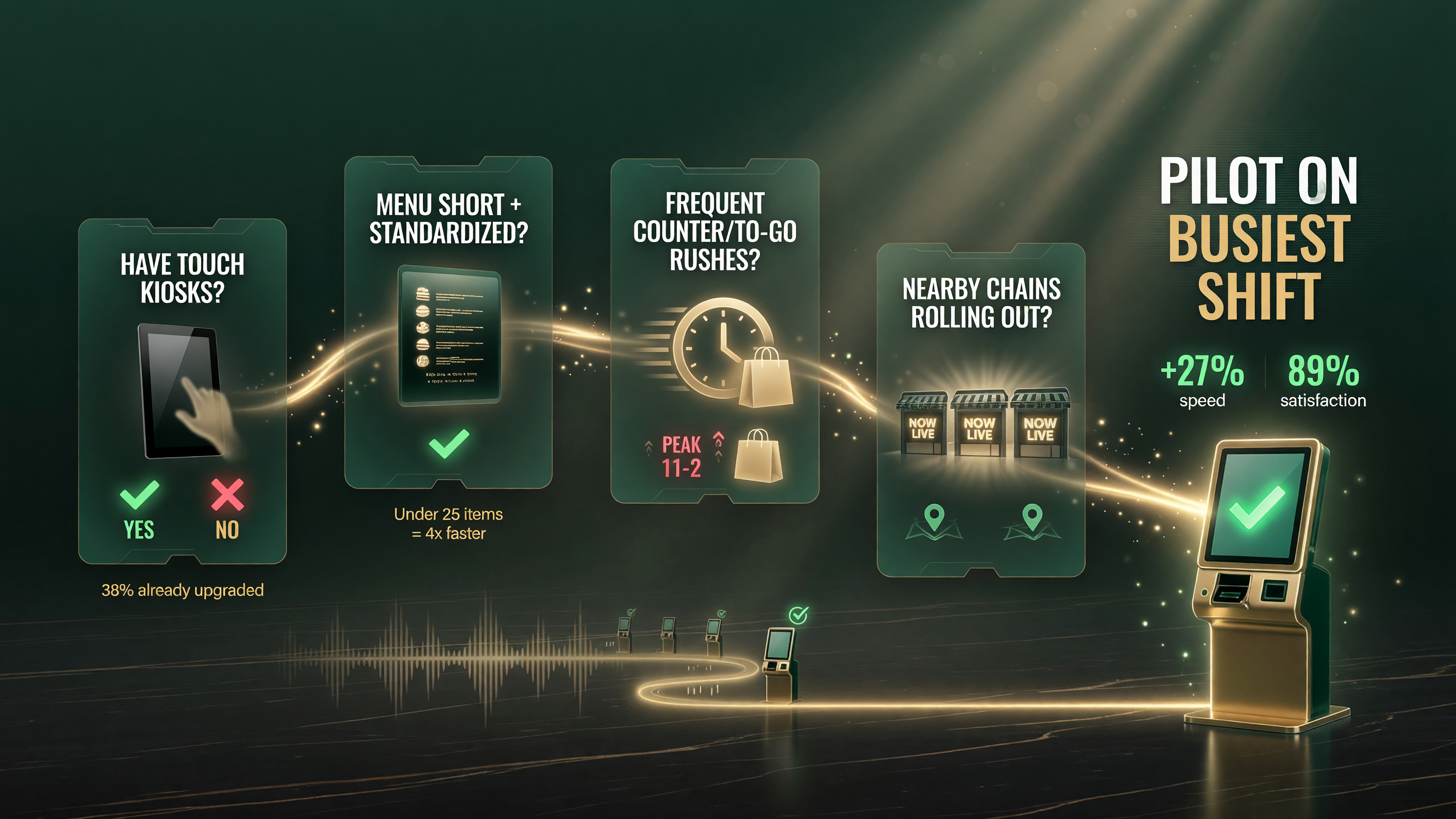
Use this four-question path to decide if a voice kiosk fits your concept.
Is a Voice Kiosk Right for Your US Restaurant?
Here’s a practical decision path rather than a one-size-fits-all answer:
- Do you already have touch kiosks? If yes, adding voice is a software update, and the marginal cost is low. Test one unit.
- Is your menu short and standardized? If it fits on one page with a handful of modifiers, voice will be accurate. If guests customize heavily, hold off.
- Do you run frequent counter or to-go rushes? That’s exactly where a voice kiosk absorbs the queue and lets staff cook.
- Are you competing with a nearby chain that’s already rolling out kiosks? A voice option is a way to match the convenience without a big buildout.
If you answered yes to two or more, it’s worth a pilot on your busiest shift.
Two Failure Modes to Avoid
Vendors at the show were clear-eyed about the challenges, and so should you be. The two most common botched rollouts are:
- Overloading the kiosk. A voice kiosk asked to handle every menu item, every modifier, every special request will fail. Scope it to the most common orders and let staff handle the rest.
- Skipping the fallback. If the kiosk can’t understand a guest, there must be an obvious way to switch to touch or get help. A guest stuck at a confused kiosk is worse than no kiosk at all.
Handle both at setup and you avoid the slow, frustrating experiences that make guests abandon the screen mid-order.
The Vendor Landscape at NRA 2026
The show floor made clear this isn’t a single-company trend. Kiosk hardware makers, point-of-sale providers, and dedicated voice-AI vendors all showed voice-ordering modules, which is a healthy sign: it means the technology is becoming a standard capability rather than a locked-in proprietary bet. For an owner, that competition works in your favor on both price and integration.
Two patterns stood out. First, the big kiosk and POS brands are bundling voice as an add-on to systems you may already run, rather than forcing a full platform switch — that lowers the adoption barrier dramatically. Second, dedicated conversational-AI vendors are positioning voice kiosks as one channel inside a broader ordering stack, alongside drive-thru voice, phone ordering, and online. The practical implication: you can likely test voice on your existing kiosk without ripping out your current setup.
How It Fits With Your Existing Tech Stack
The best deployments treat voice kiosks as one piece of a connected ordering system, not a standalone gadget. Before you buy, map how the kiosk talks to everything else:
- POS integration — the kiosk must feed tickets into the same POS your kitchen runs, or you’ll rekey orders and create errors.
- Menu management — your prices and item changes should sync to the kiosk menu automatically, not require a manual update every time something changes.
- Kitchen display — voice orders should hit the same screen and queue as other orders so the line doesn’t get a surprise second system to watch.
- Loyalty and payments — if guests can pay or earn rewards, the kiosk should plug into those flows with the same security as any other payment channel.
Get the integration story right and the kiosk is an amplifier. Get it wrong and you’ve added a source of friction and double-entry.
Voice Kiosks and the US Market Context
Why does this land particularly well in the United States right now? Three forces are converging. First, labor scarcity and rising wages continue to squeeze quick-service margins, making any tool that reduces order-taking burden increasingly valuable. Second, consumer comfort with self-service tech is high — US diners already use touch kiosks, mobile apps, and online ordering, so speaking to a kiosk is a smaller behavioral leap than it was even two years ago. Third, the chains are moving: as big brands roll out voice kiosks for speed and consistency, independents in the same trade area need a way to match that convenience without a corporate IT budget.
The competitive lens is the honest one: this is about keeping your ordering experience comparable to the chain down the street, at an independent’s price point. A software-level voice add-on to an existing kiosk is one of the few ways to do that cheaply.
The Bottom Line
Voice AI on kiosks is no longer a gimmick — it’s a mature ordering channel, and NRA 2026 made clear the vendors, chains, and independent adopters are all moving on it now. For an independent US restaurant, the smart move is not to buy the trend wholesale but to test it where your menu and volume make it a genuine labor and speed win.
Start with one kiosk on your busiest shift, scope it to your standardized items, keep a clear touch-and-help fallback, and measure the effect on the queue and average check. If the numbers work, expand. If they don’t, you’ve spent little and learned what your guests actually want.
FAQ
What is voice AI on a restaurant kiosk?
It’s a self-service touchscreen kiosk that lets guests place orders by speaking instead of tapping. The kiosk confirms items back, can upsell sides, and sends the order to the kitchen — hands-free.
How is this different from drive-thru voice AI?
Drive-thru voice AI takes orders through a speaker system at a car window. Voice-on-kiosk serves a guest standing in the restaurant at a self-service screen. The kiosk version doesn’t require new floor hardware if you already have touch kiosks.
Is voice AI on kiosks available for independent US restaurants?
Yes. Technology shown at the NRA Show is rolling out to quick-service and fast-casual US operators, often as a software update to existing kiosks rather than a full new hardware investment.
Will a voice kiosk replace my staff?
No — it absorbs the repetitive order-taking queue so staff can focus on food prep, cleaning, and handling exceptions. Someone still assembles orders and manages the floor.
What should I check before adding voice to my kiosk?
Confirm your menu is standardized enough for accurate voice recognition, scope the kiosk to your most common orders, and make sure there’s a clear fallback (touch or staff help) when the kiosk doesn’t understand a guest.

About Barak Schurr
Barak Schurr built and exited a major ticketing platform, ran global operations at Eventbrite, and now focuses on one question: which AI tools actually help independent restaurant owners run leaner and grow faster. He writes from the operator’s perspective — no vendor spin, no theory, just what’s real in 2026.
Email: [email protected]
More Resources for Restaurant Operators