Lightspeed Adds AI-Powered Restaurant Insights to Its Platform
⚡ Expert Summary: On July 17, 2026, Lightspeed Commerce rolled out new AI-powered tools for its restaurant platform, letting operators use natural language to generate custom reports, get automated insights, and surface operational issues across multiple locations without manual review. The update builds on Lightspeed AI — launched in January 2026 — and targets the specific pain points of high-volume and multi-location hospitality businesses in the United States and beyond.
What Lightspeed AI Actually Does for Restaurants
Lightspeed’s July 2026 update focuses on practical, back-office AI features that address the operational challenges restaurant owners deal with daily. These aren’t flashy front-of-house gimmicks. They are tools designed to reduce the time spent on reports, spreadsheets, and manual data reviews.
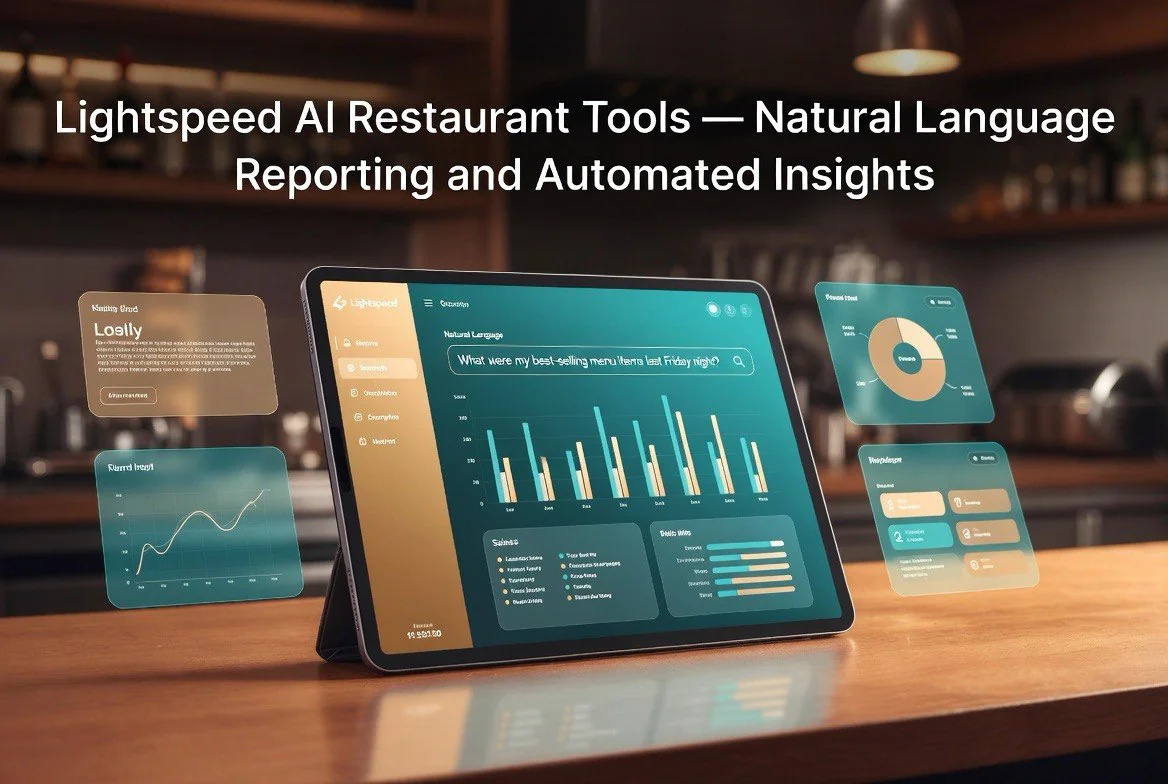
Natural language reporting. Instead of navigating complex dashboard menus to find specific data, operators can type or speak natural language questions like “What were my best-selling menu items last Friday night?” or “Show me sales trends for the past month across all three locations.” Lightspeed AI generates the chart or report instantly. Operators can pin preferred reports for one-click access later.
Automated issue detection through Lightspeed Tasks. When teams complete operational checklists through the platform — opening procedures, closing checklists, cleaning logs — Lightspeed AI analyzes the data across all locations to identify patterns that need attention. If one location consistently misses temperature checks or another has a higher rate of late openings, the system flags it automatically. No one has to read through dozens of checklists to spot the problem.
AI-driven insights in the back office. Beyond reporting, the system provides proactive observations. It can flag unusual sales patterns, identify items that are trending up or down, and surface anomalies that might indicate operational issues or opportunities. The goal is to move from reactive reporting — where the operator has to ask for specific data — to proactive insights that surface without being requested.
Why This Matters for Multi-Location Operators
For independent restaurant groups running two to ten locations, the biggest operational challenge is visibility. When you can’t be in every restaurant every day, you rely on data, checklists, and team communication to know what’s really happening. Lightspeed AI addresses three specific pain points that plague multi-location operators in the US restaurant industry:
1. The reporting bottleneck. Most POS systems generate reports, but extracting useful answers takes time. An operator managing multiple locations can spend hours combing through sales reports, labor data, and inventory numbers to find the story. Lightspeed AI collapses that into seconds of natural language queries. The operator asks a question and gets the answer — no manual filtering, no pivot tables, no exporting to Excel.
2. The checklist blind spot. Every multi-location operator uses checklists — opening procedures, safety inspections, prep completion, closing walkthroughs. The problem is that the data from those checklists is nearly useless unless someone reads every single one. With Lightspeed Tasks and AI analysis, the system reads them automatically and flags only what needs attention. The operator goes from reading 50 checklists to reading 3 alerts.
3. The insight gap between locations. When one location outperforms another, the operator needs to know why. Is it the manager? The menu mix? The location’s customer base? Lightspeed AI can compare performance patterns across locations and surface the key differences, helping operators identify and replicate what works.
How It Compares to Other Restaurant AI Tools
| Feature | Lightspeed AI | Toast IQ | Square AI |
|---|---|---|---|
| Natural language reporting | Yes — full conversational queries | Yes — trending insights | Limited |
| Multi-location analysis | Yes — cross-location comparisons | Yes | Basic |
| Checklist/Task analysis | Yes — AI reads checklist data | No | No |
| Proactive alerts | Yes — anomaly detection | Yes — query volume analysis | Limited |
| Auto-report pinning | Yes — save favorites | No | No |
What Else Lightspeed Announced in July 2026
The AI features were part of a broader platform update that included several other tools restaurant operators will find useful:
Locations Manager. A centralized dashboard for managing multiple venues, including the ability to share menu items and sync updates across locations while keeping location-specific flexibility. This solves a frustrating problem for restaurant groups that want consistency across sites without losing the ability to customize individual locations.
Payments automation. Auto-reconciliation for tips, split checks, chargebacks, and other payment complexities that eat up end-of-day processing time. The system handles these automatically, reducing errors and speeding up closeout.
Enhanced booking widget. Direct reservations through the restaurant’s own website via Lightspeed Reservations, giving operators more control over the booking experience and reducing dependency on third-party reservation platforms.
What Restaurant Operators Should Do Next
If you are already using Lightspeed, the AI features may already be available in your back office. Here is how to get the most out of them:
Start with one question a day. The natural language reporting is the easiest feature to adopt. Pick one operational question each day — “What was my busiest hour yesterday?” or “Which menu item had the highest profit margin last week?” — and get used to asking instead of searching. After a week, these queries will be faster than navigating any dashboard.
Set up your checklist templates. Lightspeed Tasks only works well if your teams are actually using the checklists. Standardize your opening, closing, and cleaning checklists across locations. The AI needs consistent input data to produce useful analysis.
Review the proactive alerts weekly. The anomaly detection and proactive insights features will surface things you didn’t think to ask about. Make weekly review of AI-generated alerts a standing meeting item. The system will catch patterns you miss.
Compare locations monthly. Use the cross-location comparison feature as a regular management tool. The insights from comparing performance across your locations often reveal operational improvements that would never come from looking at each location in isolation.
The Operational Impact: Real Use Cases for Lightspeed AI
To understand what Lightspeed AI actually changes in a restaurant’s daily operations, consider these real scenarios that operators in the United States face regularly:
Scenario: The Friday night sales question. It’s Saturday morning. An operator wants to know how Friday night sales compared to the previous Friday. Normally, this means logging into the POS dashboard, navigating to sales reports, selecting date ranges, comparing manually, and exporting if needed. With Lightspeed AI, the operator simply asks: “How did Friday night sales compare to last Friday?” The answer appears instantly, including percentage change and breakdown by category.
Scenario: The problem location. A four-location group notices one site has lower profitability but can’t immediately identify why. Lightspeed AI can run a cross-location comparison that surfaces differences in menu mix, labor cost percentage, and average check size. The operator might discover that the underperforming location is pushing lower-margin items, or has a scheduling issue that drives up labor costs on slow nights. The insight arrives in seconds instead of hours of manual data pulling.
Scenario: The compliance check. A regional manager oversees six locations and needs to verify that all sites completed their end-of-night safety checklists. Previously, this meant either calling each location or logging into separate systems to review checklists. Lightspeed Tasks + AI flags the data automatically — if all six locations completed their checklists on time, the manager gets a clean report. If one location missed steps, that location is highlighted. The manager’s time drops from 30 minutes of manual checking to 30 seconds of review.
These scenarios are not theoretical. They represent the actual operational friction that Lightspeed AI is designed to eliminate. The common theme across all of them is time — the most scarce resource in restaurant management. Every minute an operator spends navigating a dashboard is a minute they are not spending on the floor, with their team, or with their customers.
For independent restaurant groups in the United States operating on margins of 5-8%, saving even a few hours per week per location through operational efficiency can meaningfully impact the bottom line. Lightspeed AI is positioning itself as the tool that delivers that efficiency through conversational access to operational data.
FAQ
Is Lightspeed AI included in my existing plan or an add-on?
Does Lightspeed AI work for single-location restaurants too?
How does Lightspeed AI compare to Toast IQ?
Does the AI replace my restaurant manager?
When were these features released?

About Barak Schurr
Barak Schurr built and exited a major ticketing platform, ran global operations at Eventbrite, and now focuses on one question: which AI tools actually help independent restaurant owners run leaner and grow faster. He writes from the operator’s perspective — no vendor spin, no theory, just what’s real in 2026.
Email: [email protected]
More AI Resources