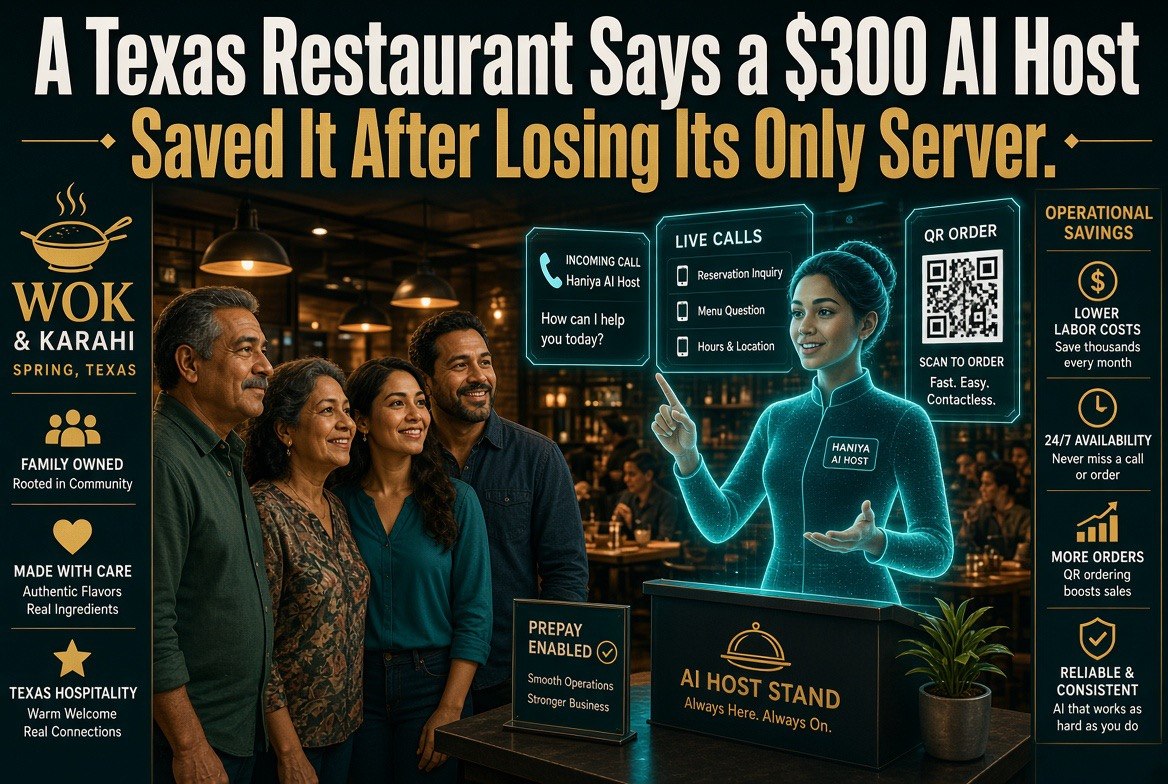
A Texas Restaurant Says a $300 AI Host Saved It After Losing Its Only Server
⚡ Expert Summary: A Texas restaurant lost its only server — the person, not the machine — and replaced that gap with an AI host for about $300 a month. The story is being told as a triumph, and parts of it are. But $300 does not buy you a person, and the owners who read this as “AI is cheaper than staff” are about to learn an expensive lesson about what a front-of-house position actually does. Here is what the AI genuinely replaced, what it quietly outsourced to the remaining staff, and the three numbers you should run on your own floor before you sign up for anything.
The story goes like this: a family restaurant in Texas loses its only server. No one to seat guests, take the initial order, run the front. Rather than close or scramble through another hiring cycle, the owners bring in an AI host — a screen and voice system at the door — for roughly $300 a month. The restaurant stays open. Guests get seated. The owners call it a save.
Fair enough. It probably was a save. Turning away a Friday night because you have nobody at the podium is a genuinely ugly way to lose a business.
But I have spent enough years watching restaurants paper over a staffing hole to know that the first version of a rescue story is never the whole story. The $300 line is real. What it actually covers is where this gets interesting — and where independent operators need to think harder than the headline wants them to.
What $300 a Month Actually Buys
An AI host at the door is not a server. It is not a manager. Nobody who builds these systems claims otherwise in private. What it does is narrower and more useful than the alarmists think: it holds the first ninety seconds of the guest experience.
Greeting. Party size. Wait estimate. Table assignment against your floor plan. Seating notification to the right station. Maybe a waitlist text. Maybe a call to the kitchen when the queue builds. That’s the job. It is a real job — it is just not the job a server does, and it is not the job that usually walks out the door when you lose your only server.
That is the part the story glosses over, and it matters for anyone reading it as a plan.
| Front-of-house task | AI host handles it? | Realistic coverage |
|---|---|---|
| Greeting and party size | Yes | High — this is the core use case |
| Wait estimates and waitlist texts | Yes | High, and better than a busy human |
| Table assignment by station | Yes | Medium — depends on floor plan logic |
| Taking the order | Partly | Kiosk only, and only for walk-ins |
| Running food, refills, table checks | No | Zero — this shifts to whoever is left |
| Complaint recovery, comping, the regular who needs a table | No | Zero — judgment call, stays human |
| Total scope | Roughly a third | Which is why $300 is not a staff replacement |
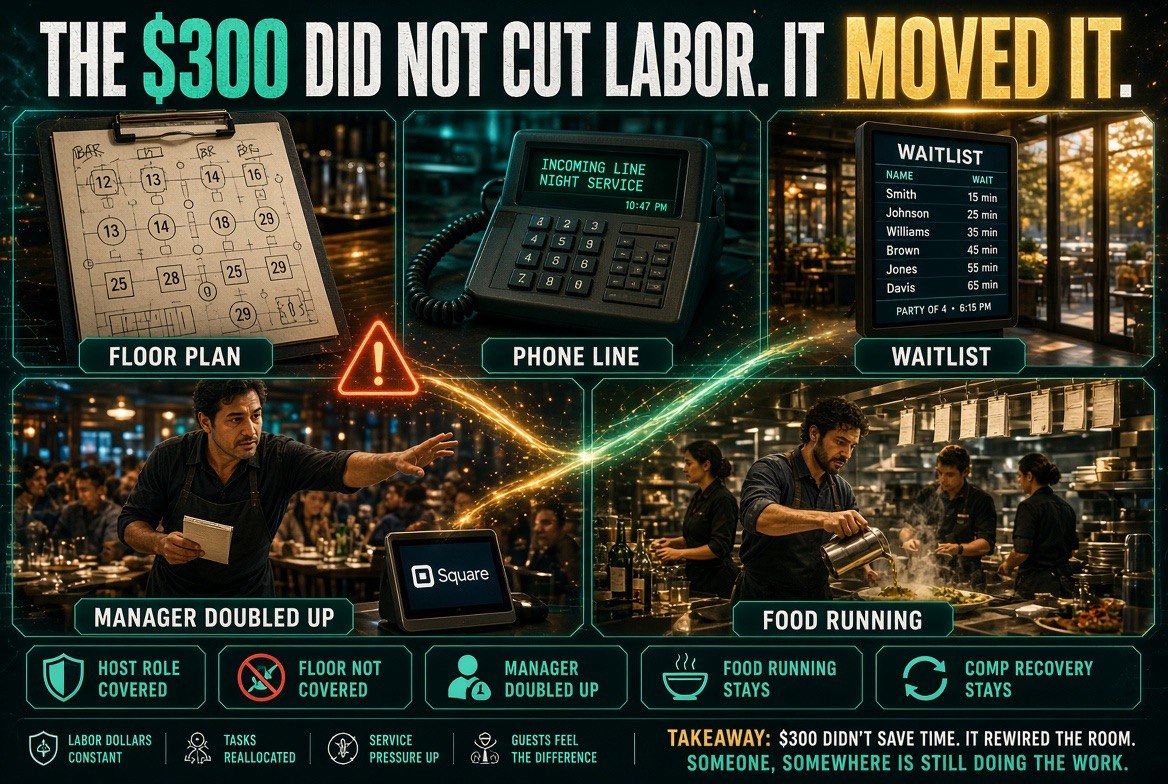
Look at those bottom two rows. Running food, refills, table checks, complaint recovery. That is most of a server’s actual shift, and none of it moves to the AI. It moves to the manager, the bartender, the one remaining server, the owner. The $300 didn’t eliminate the labor. It relocated it — to people who were already fully booked.
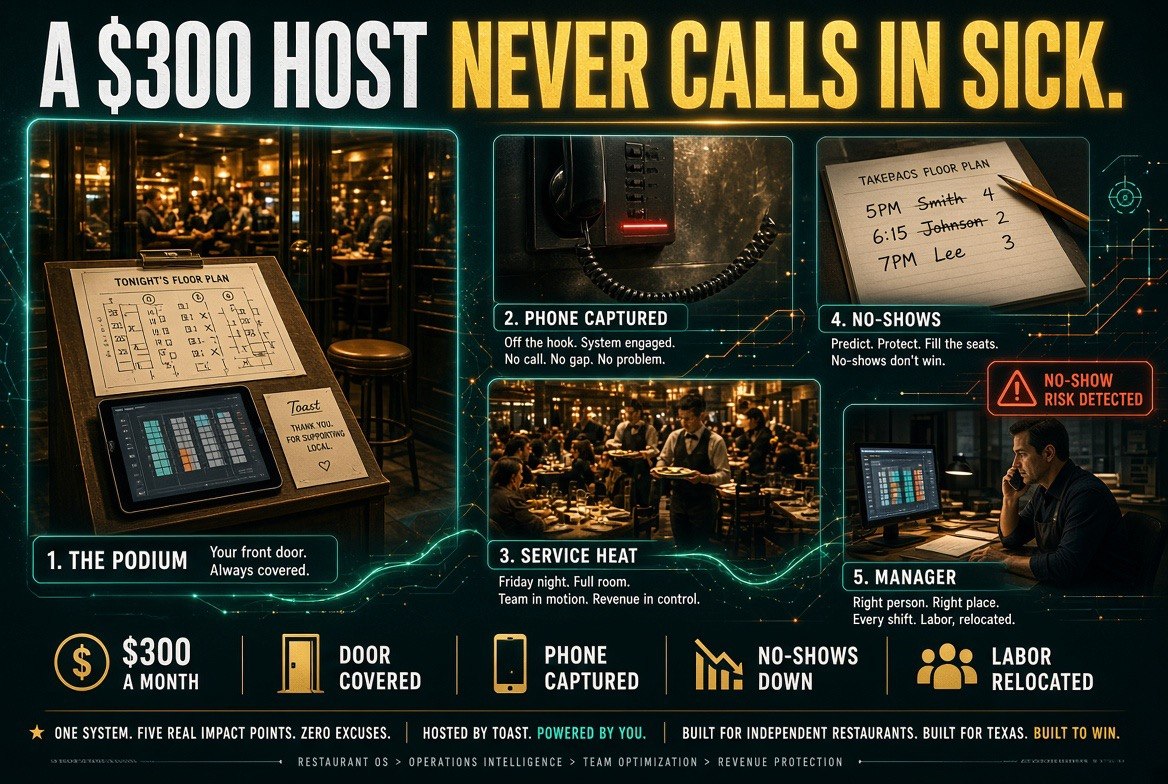
The Three Numbers Nobody Ran
If a $300 AI host is going to work at your restaurant, it works because of arithmetic, not because a Texas family said nice things about it. Run these three before you sign anything.
One: what is a front-of-house hour actually costing you? Not the wage. The wage plus payroll tax plus the training hours you burn on every new hire plus the turnover you’re absorbing. If you’re replacing twenty front-door hours a week and your fully loaded rate is $24 an hour, that’s $2,080 a month. Against $300, the AI looks like a screaming deal. That is the honest version of the story and it is worth saying plainly.
Two: what do the displaced hours get spent on? This is where restaurants quietly lose the money. The AI takes the door. The manager now covers the tables the missing server used to cover. Nobody hired anyone. So the manager is doing the seating floor’s work and the manager’s work in the same shift, and something gives — usually the ordering, the scheduling, or the two hours a week they used to spend on the P&L. You didn’t save $1,780. You borrowed it from management capacity, and management capacity is the thing that keeps margins intact.
Three: what does a bad first ninety seconds cost you? Walk-ins who don’t like the screen and leave. Guests who get a wait estimate the system invented. Parties the floor plan couldn’t seat properly because the AI doesn’t know the four-top by the window is the one the health inspector likes to see clean. Cheap systems fail loudly, and front-of-house failures happen at the door, in front of people who can walk next door.
Where the AI Host Genuinely Wins
This is not an argument against the technology. There are specific situations where an AI host is not a compromise but a straight upgrade over the human alternative, and the Texas case is one of them.
Late nights and dead shifts. A human host standing at a podium from 4pm to close on a Tuesday is either not there or is a server pulled off the floor. The AI is there. It doesn’t get bored, doesn’t forget to update the wait time, doesn’t let the phone ring because it’s busy seating a party of six.
The phone. This is the biggest underrated part. An AI host that also catches the phone means you stop losing reservations and takeout orders to voicemail at 7pm on a Saturday. For a restaurant doing meaningful takeout volume, phone capture alone can pay the monthly fee several times over — that’s the number to model first, not the seating.
Consistency. Every guest gets greeted. Every party gets a wait time. Every table gets assigned by the same rules, not by whoever’s covering the door and how they’re feeling. For a multi-unit operator, that consistency is worth actual money because it makes service predictable across locations.
The wrong read is “replace the server.” The right read is “cover the door and the phone permanently, then decide what to do with the hours that frees up — and be honest that the honest answer is usually staffing the floor better, not cutting it.”
What to Ask Before You Buy One
The AI host category is crowded and uneven right now. Voice receptionist products aimed at independent restaurants — Slang.ai, Owner.com, Popmenu, and the answering layer inside Toast and Square — all approach this from different angles. Some are phone-first, some are door-first, some are marketing-first with a host attached.
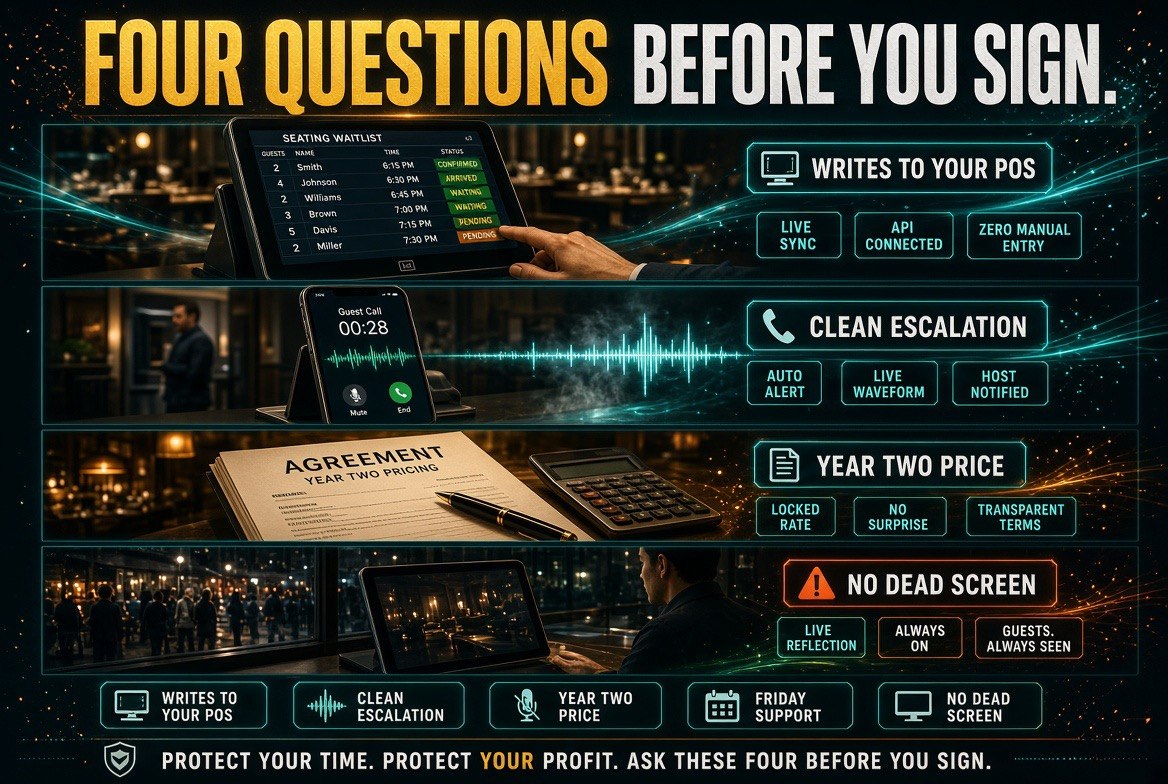
Four questions separate the ones that work from the ones that get cancelled in month four:
Does it write into my POS, or its own dashboard? If the waitlist and seating data live in a separate app the staff has to check, you have added a screen, not removed work. Integration with the system you already run is the whole point.
What happens when it doesn’t understand? There must be a clean escalation — to a person, fast, without the guest repeating themselves three times. Ask to hear the failure path, not the demo path.
What’s the real monthly cost after the promo? The $300 headline is often a starter tier with a per-location or per-feature increase waiting behind it. Get the year-two number in writing.
Who fixes it on a Friday night? Support hours and response time are the difference between a system you trust and a system you disable during service. A host that goes down at 7pm with no callback is worse than no host, because now the door is a dead screen and everyone has already stopped covering it.
The Part the Headline Gets Right
Despite all of that, the underlying instinct behind the Texas story is correct and most independent operators should steal it: stop treating labor gaps as a hiring problem you’ll solve eventually, and start asking what part of the gap can be structurally covered.
The restaurant industry has spent a decade pretending the staffing crisis is temporary. It is not. The labor pool for entry front-of-house roles is tight, the turnover is brutal, and every owner reading this has posted the same job three times this year. A $300 system that permanently covers the door and the phone is a legitimate structural answer to a problem that waiting has not solved.
What is not legitimate is pretending the $300 replaced a person. It covered a fraction of a role, freed hours that then need somewhere to go, and put a new dependency on your network and a vendor’s support desk. That’s still a good trade for a lot of restaurants. It is just a trade, with terms.
Run the three numbers. Model the phone capture, not the greeting. Ask the four questions. Then buy it if the arithmetic works — and staff the floor with whatever it frees up, because the guests still want their coffee refilled.
Frequently Asked Questions
Can a $300 AI host actually replace a restaurant server?
No. An AI host covers the door — greeting, party size, wait estimates, table assignment — but not running food, refills, table checks, or complaint recovery. Those tasks move to whoever remains on the floor, usually a manager or the owner.
What is the real return on an AI host for an independent restaurant?
The strongest return usually comes from phone capture rather than seating. Catching reservations and takeout orders that would otherwise go to voicemail during service can cover the monthly fee several times over for restaurants with meaningful takeout volume.
Does an AI host integrate with Toast or Square?
Increasingly yes, but not universally. Integration with the POS you already run matters because waitlist and seating data living in a separate dashboard adds a screen instead of removing work. Confirm native integration before signing.
What should a restaurant owner ask before buying an AI host?
Four things: whether it writes into your POS, what the escalation path looks like when it mishears a guest, what the year-two price is after any promo, and who provides support during a Friday night service.
Is the Texas restaurant’s AI host a good model to copy?
The instinct is good — structurally covering a permanent labor gap instead of waiting for a hire — but the claim that $300 replaced a server is not accurate. The hours freed need to go back into the floor, not out of the payroll.

About Barak Schurr
Barak Schurr built and exited a major ticketing platform, ran global operations at Eventbrite, and now focuses on one question: which AI tools actually help independent restaurant owners run leaner and grow faster. He writes from the operator’s perspective — no vendor spin, no theory, just what’s real in 2026.
Email: [email protected]
More Resources for Restaurant Operators