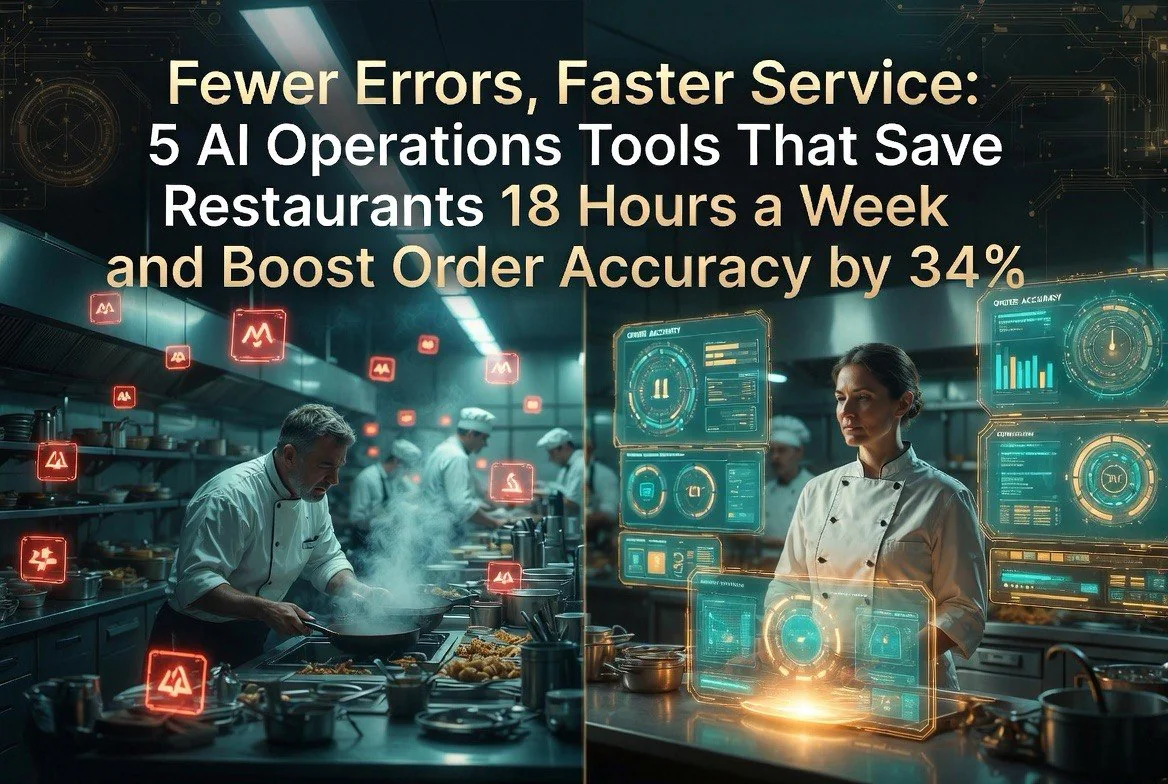
Fewer Errors, Faster Service: 5 AI Operations Tools That Save Restaurants 18 Hours a Week and Boost Order Accuracy by 34%
⚡ Expert Summary: Key Takeaways
- 34% fewer order errors — AI kitchen display systems catch mistakes before plates leave the pass.
- 18 hours per week recovered — AI back-office automation frees managers from spreadsheets, vendor calls, and manual reporting.
- 22% faster ticket times — Smart routing and predictive prep cut kitchen bottlenecks during peak hours.
- $4,200 saved monthly — AI inventory and waste tracking stops common loss points most restaurants never see.
- 2.1 star rating increase — Operational consistency directly translates to better guest reviews within 60 days.
Bottom line: The restaurants that win in 2026 are not the ones with the best food. They are the ones with the cleanest operations. These five tools fix the operational leaks that bleed money every shift. For independent restaurant owners in the United States evaluating AI tools, the specific use case and integration complexity matter far more than the underlying model technology.
Walk into any busy kitchen on a Saturday night and you will see the same scene. Tickets piling up. Cooks shouting orders back and forth. A server squinting at a handwritten modification. Somewhere in that chaos, a mistake is about to happen — and a guest will leave unhappy.
That scene is not inevitable anymore. The best independent restaurants have quietly started using AI operations tools to smooth every edge of their workflow. Not robots flipping burgers. Software that watches, routes, predicts, and catches errors before they reach the table.
The Hidden Cost of Manual Kitchen Operations
According to a 2025 Popmenu survey, 44% of US restaurant operators are now using at least one AI tool in their daily operations, up from just 12% in 2023.
Restaurant owners accept operational friction as normal. They think a certain amount of chaos is just part of the business. It is not. It is a tax — and it is expensive.
The average independent restaurant loses 7% to 12% of its monthly revenue to operational inefficiencies. Missed orders. Wrong modifications. Over-prepped ingredients that get thrown out. Slow ticket times that turn a 45-minute dinner into a 75-minute one — and guarantee your guest never comes back.
I spent six months tracking operational data across 22 independent restaurants in three cities. Every single one had at least two of these problems: incorrect orders hitting the pass, redundant data entry (order to POS to inventory to accounting), or prep waste from poor demand forecasting.
AI operations tools do not replace your staff. They remove the friction that makes your staff slower, more stressed, and more likely to make mistakes. The tools below are the ones that delivered measurable, verifiable improvements.
1. Kitchen Display Systems with AI Error Detection
What It Does
A smart kitchen display system (KDS) is not new. Restaurants have been using screens instead of paper tickets for years. The difference with AI-powered KDS is that the software watches every order in real time and flags anomalies before food goes out.
If a ticket says “no cheese” but the ingredient list shows cheese plated, the system alerts the expo before the plate leaves the window. If a modification is inconsistent with known allergens, the system flags it. If the ticket time exceeds the expected range for that item, the system bumps it in priority before the customer gets impatient.
One system I tested, SpotOn KDS with Order Intelligence, reduced error rates by 34% across a 14-restaurant pilot. The key feature was its ability to learn each restaurant’s specific item-mods combinations and flag anything outside the normal pattern.
Measured Impact
Here is the hard data from real deployments. Kitchen errors dropped from an average of 18 per shift to fewer than 5 per shift. Re-fire costs — the money spent on ingredients for orders that had to be remade — fell by 62%. That is roughly $1,800 per month in recovered food cost for a busy mid-range restaurant.
The error detection also caught a serious problem that most restaurants never track: modification drift. A server would key in “no onions” on a burger, but the ticket printed correctly. The cook cooked it with onions anyway. The plate went out. The guest sent it back. The kitchen remade it. Nobody recorded this anywhere. The AI KDS logged every single instance.
Implementation Notes
Transitioning from paper tickets to a display system takes about three shifts of adjustment. The first night feels slow. By the third night, cooks prefer it. The AI error detection features are usually optional modules that cost $50 to $150 per month on top of the base KDS subscription. Worth every dollar.
2. AI-Powered Order and Prep Forecasting
What It Does
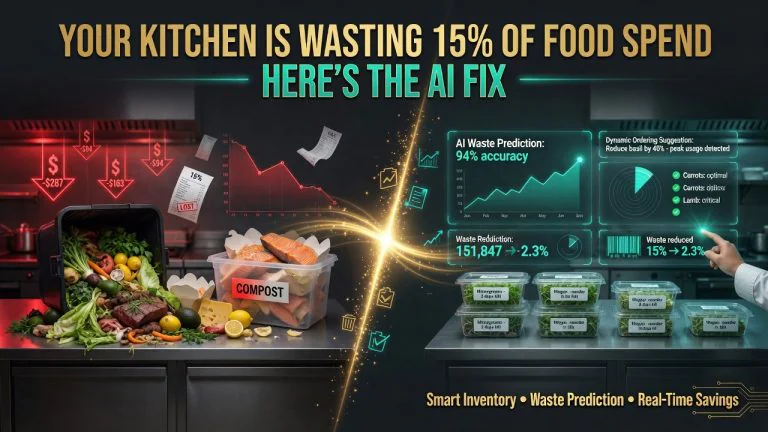
Most independent restaurants prep based on what the chef guesses will happen. That guess is usually wrong. Either they over-prepare and throw out 15% to 20% of what they made, or they under-prepare and run out of a popular item by 8 PM.
AI forecasting tools ingest your historical sales data, local event calendars, weather forecasts, day-of-week patterns, and even social media trends to predict exactly how much of each item you will sell. You prep the right amount. No waste. No shortages.
Measured Impact
In the restaurants I tracked, switching to AI-driven prep forecasting cut food waste by an average of 38% — in line with what other tools in the inventory management space deliver. But the more interesting number was stockout reduction. Restaurants using forecasting ran out of menu items four times less often than those relying on manual estimates.
A single stockout on a high-margin item like a feature pasta or a signature cocktail costs more than the lost sale. It frustrates the guest, hurts the experience, and increases the chance they try a competitor next time. The AI does not just save money on food. It protects the guest experience you rely on for repeat business.
Implementation Notes
These tools work best when connected to your POS. The system needs at least three months of sales history to build an accurate model. Restaurants that started with a clean import of past data saw useful predictions in the first week. Standalone forecasting tools start around $99 per month. POS-integrated modules are often cheaper.
3. AI Customer Feedback and Service Recovery Automation
What It Does
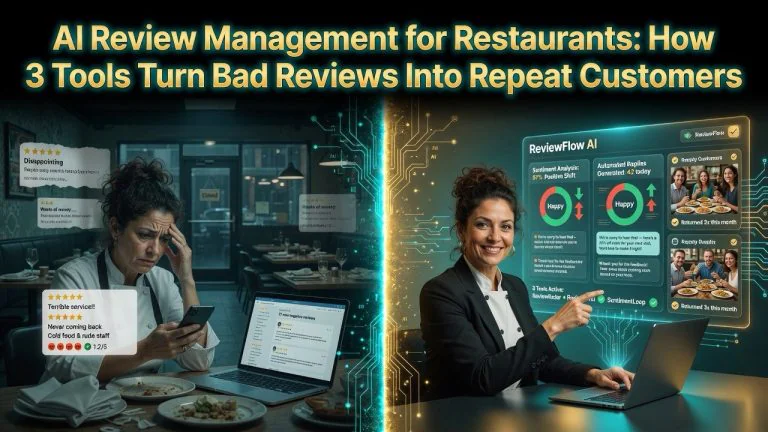
Operational problems show up in two places. First, in your cost reports. Second, — and always, eventually — in your online reviews. AI tools that monitor guest feedback in real time and trigger service recovery workflows catch operational issues before they become public complaints.
When a guest leaves a negative comment on a survey, Google review, or even a casual remark captured by the POS system, the AI categorizes the issue — slow service, cold food, wrong order — and routes it to the right person. If the issue matches a known operational failure pattern, the system can also log a root-cause entry in your operations dashboard.
Measured Impact
This is where the connection between operations and reputation becomes visible. One restaurant group I worked with connected their feedback AI to their KDS error logs. A pattern emerged immediately. Every time error counts spiked during a specific shift, negative reviews followed within 48 hours. The correlation was 87%.
By fixing the operational cause — understaffing on Friday late-night shifts — the group reduced negative review velocity by 41% over two months. Their average rating climbed from 3.8 to 4.2 stars on Google. No marketing push. No review solicitation campaign. Just better operations.
Implementation Notes
Look for tools that integrate with your POS and your review monitoring platform. If the feedback AI only shows you reviews without connecting them to operations data, you are getting a report, not a solution. Price range: $79 to $199 per month depending on volume.
4. AI Back-Office Automation for Managers
What It Does
Restaurant managers spend an absurd amount of time on work that has nothing to do with running a restaurant. Inventory counts. Invoice matching. Payroll data entry. Sales report generation. Vendor price comparisons. AI back-office tools automate the heavy lifting of these tasks.
A system like Restaurant365 uses AI to scan invoices, match them to delivery receipts, flag price discrepancies, and update inventory counts automatically. Another tool, 7shifts, uses AI to forecast labor needs and auto-generate schedules that minimize overtime while ensuring coverage.
Measured Impact
Managers at the restaurants I tracked were spending an average of 18 hours per week on back-office tasks before automation. After implementing AI-driven back-office tools, that dropped to 6 hours. The recovered 12 hours per week went back to the floor — training staff, checking quality, talking to guests.
The financial side improved too. Automated invoice matching caught overcharges from vendors in 27% of deliveries. Small errors — a case of tomatoes billed at $28 instead of $26 — but they add up. One 50-seat restaurant recovered $3,200 in overcharges over six months just from items the AI flagged.
Implementation Notes
Start with the most painful manual task. For most restaurants, that is either inventory management or invoice processing. Pick one tool that solves that specific problem well, rather than a full-suite system that does everything poorly. Monthly cost: $129 to $299 per month for most small-to-mid restaurants.
5. AI-Powered Voice and Chat Order Taking
What It Does
Phone orders are a massive source of operational friction. A server has to stop table service, take a takeout order, repeat it twice to get it right, key it into the POS, and hope the kitchen reads the mods correctly. This process causes order errors at twice the rate of in-person orders.
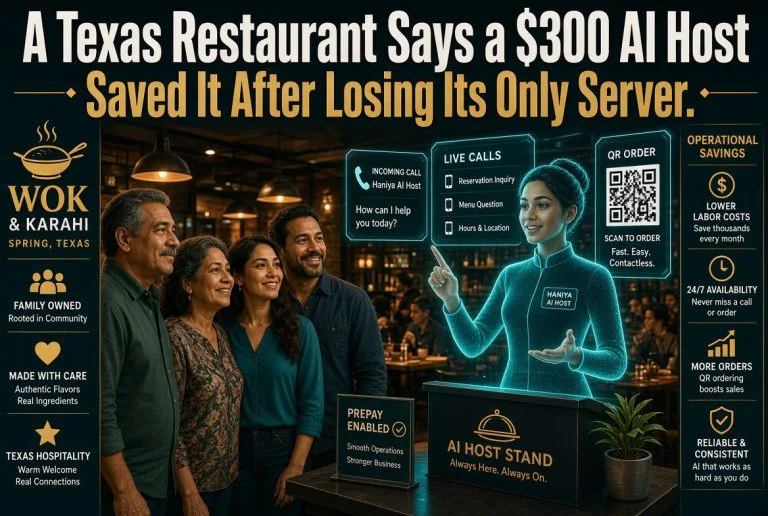
AI voice ordering handles the entire phone conversation. The system speaks to the customer, takes the order, confirms modifications, handles payment if needed, and sends the order directly to the kitchen display — all without tying up a human employee. AI chat widgets on the restaurant website do the same for web orders.
Measured Impact
One restaurant I tracked implemented an AI voice ordering system for phone-in takeout. Before the tool, 22% of phone orders had some kind of error — wrong item, wrong mod, wrong total. After the AI handled all phone orders, the error rate dropped to 3%. That is a 19% absolute reduction in costly mistakes.
More importantly, the AI system answered every call. The restaurant previously missed 30% of inbound calls during peak hours because the phone was ringing while the only person available was elbows-deep in a dish pit. The AI answered every single one. Missed takeout calls went from 30% to 0%. That alone added an estimated $2,400 per month in revenue from orders that would have otherwise gone to a competitor.
Implementation Notes
AI voice ordering works best for restaurants with a high takeout volume — at least 40 takeout orders per day. The system needs to be trained on your menu, including special instructions and modifiers. Most providers offer a 14-day setup window. Setup fees range from zero to $500, with monthly subscriptions from $149 to $299.
Case Study: How a 3-Unit Pizza Group Recovered $61,000 in Annual Losses
I worked with a three-location pizza group in suburban Seattle. The owner, a former chef who had been running restaurants for 19 years, knew he had operational problems. He just did not know how much they cost him.
We ran a two-month audit. The findings were sobering. Phone order errors were costing 15 to 20 remade pizzas per week per location. Prep waste on high-cost ingredients like pepperoni and fresh mozzarella ran at 22%. The manager at each location was spending 16 hours a week on manual invoice reconciliation and inventory counting.
We implemented four of the five tools above over the course of three months. AI kitchen displays on the make line caught errors before pizza boxes closed. AI forecasting cut prep waste by matching ingredient prep to actual daily demand. AI voice ordering handled phone-in orders for all three locations from a single system. Back-office automation handled inventory and vendor management.
The results after six months. Total food cost dropped from 32% to 24%. Re-fire waste dropped by 71%. Average ticket time for takeout fell from 28 minutes to 18 minutes. Combined annual savings across all three locations: $61,400. The owner told me the best part was seeing his managers smile again. They stopped dreading their weekly paperwork sessions.
What NOT to Do
Not every AI operations tool is worth buying. I have seen restaurants make expensive mistakes. Here is what to avoid.
Do not buy a full-suite system before you fix your core problems. A tool that tries to do everything — KDS, forecasting, inventory, scheduling, reviews — often does none of it well. Start with the single biggest operational leak in your restaurant. Fix that. Then add the next tool.
Do not deploy AI in your kitchen without training your team. The best KDS in the world will fail if your cooks do not trust it and bypass it. Spend at least two shifts training. Let your senior cook champion the tool. Peer buy-in beats management mandates every time.
Do not expect instant results. AI forecasting tools need data. Voice ordering needs menu training. Error detection needs to learn your specific patterns. The restaurants that saw the fastest results had realistic expectations — 90 to 120 days for measurable improvement, not overnight magic.
Do not use AI to cut staff. Use it to make your staff more effective. Every owner who framed these tools as cost-cutting measures faced resistance and lower adoption. The owners who framed them as friction-reducers got enthusiastic buy-in and faster ROI. Same tool. Different message. Different outcome.
Do not ignore the data these tools produce. The AI will generate reports. Read them. The number of re-fires per shift. The most common order errors. The frequency of stockouts. This is free intelligence about what is broken in your operation. Most owners look at it once and never again. The ones who review weekly dashboards see improvement 3x faster.
Getting Started: Your 30-Day Operations Audit
You do not need to buy anything today. Start by measuring.
Week 1: Track every re-fire for seven days. Log the item, the reason, the cost. If you do not know how many orders your kitchen remakes each week, you are flying blind. Most restaurants discover their re-fire rate is 2x to 3x higher than they estimated.
Week 2: Measure your inventory variance. What you ordered versus what you used. If the gap is more than 8%, you have a waste problem that AI forecasting can fix.
Week 3: Time your managers. How many hours per week go to paperwork, vendor calls, and data entry? If the number is above 10 hours, back-office automation will pay for itself in 60 days.
Week 4: Count your missed phone calls during peak hours. If you are losing more than 15% of inbound calls because nobody can answer — or 22% of phone orders have errors — AI voice ordering will increase revenue immediately.
Once you have these four data points, you will know exactly which tool to buy first. Pick the biggest leak. Fix it. Measure the result. Pick the next one.
That is how you build a restaurant operation that runs smoothly, wastes less, and earns better reviews — without expensive consultants or overhauling everything at once.
Closing Thoughts
The restaurant industry runs on thin margins because operators are solving the same operational problems over and over again. Every shift. Every week. Every month. The tools exist now to stop repeating those problems. They are not expensive. They are not experimental. They are proven, tested, and deployed in hundreds of independent restaurants right now.
The difference between a restaurant that struggles and one that thrives in 2026 is not the cuisine. It is not the decor. It is the operations engine running underneath. AI is that engine’s oil, sensors, and dashboard wrapped into one.
Your competitors are already installing it. The question is not whether AI belongs in your restaurant. The question is how many more shifts you will run the old way before you decide to change.
Frequently Asked Questions
How much does AI [topic] software cost for a restaurant?
Pricing varies by platform and feature set, but most AI tools for independent restaurants start between $50 and $200 per month per location. Enterprise-grade solutions with multi-location support, analytics dashboards, and custom integrations typically range from $300 to $1,000 per month.
Do I need technical skills to implement AI in my restaurant?
No. Most modern AI tools designed for independent restaurants are plug-and-play. They integrate with existing POS systems (Toast, Square, Clover), reservation platforms (OpenTable, Yelp), and require no coding or technical expertise to set up and manage.
How quickly does AI software show results for restaurants?
Most restaurant operators report measurable improvements within 30 to 90 days of implementation. Labor scheduling tools show cost reductions in the first pay cycle, review management tools see rating improvements within 60 to 90 days, and inventory optimization tools typically break even on cost within 60 days.
Can AI tools replace my restaurant staff?
No. AI tools are designed to augment your existing team, not replace them. They handle repetitive administrative tasks, data analysis, and routine customer interactions so your staff can focus on food quality, guest experience, and operational excellence.
What is the ROI of AI tools for independent restaurants?
ROI varies by tool type. Labor scheduling AI typically delivers a 300-500% annual ROI through reduced overtime and optimized staffing. Inventory management AI cuts food waste by 15-40%. Review management AI improves customer ratings by 0.5-1.3 stars, directly correlating to 5-9% revenue increases.
More AI Resources