Get the AI Restaurant Quick-Start Guide — Free
The 5 AI tools independent US restaurant owners are using right now to cut labor costs and answer every call.
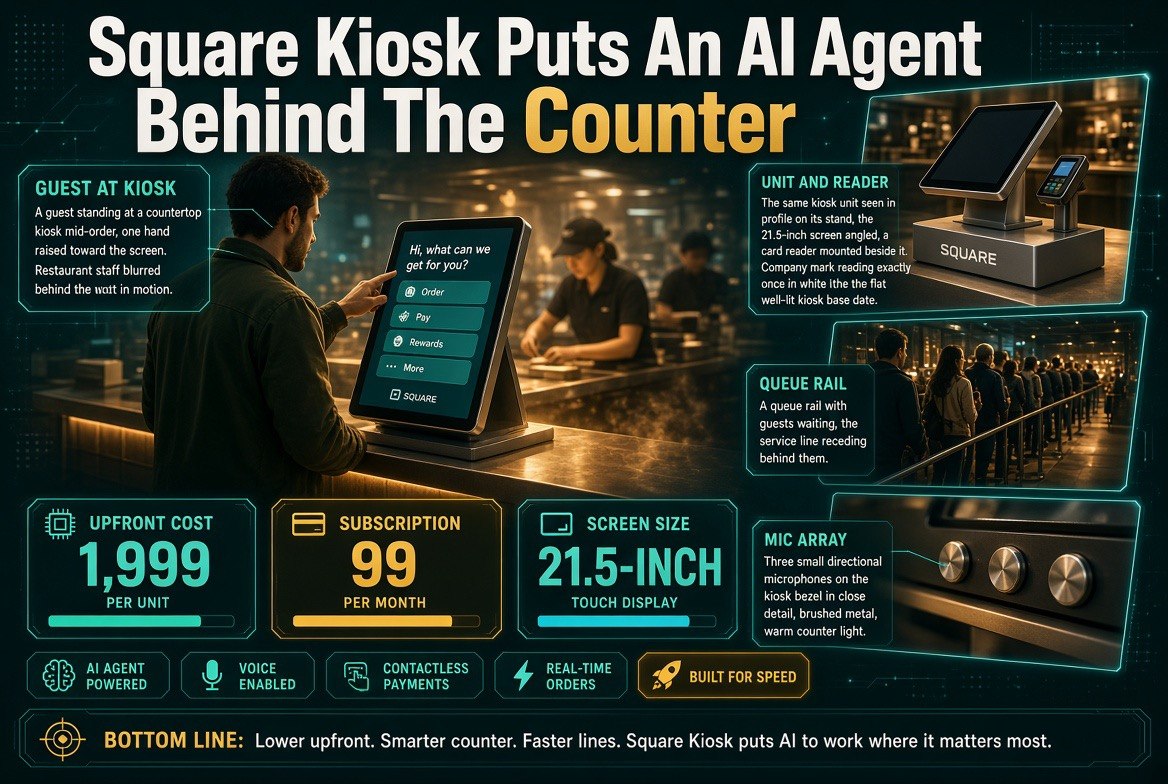
Square’s New Kiosk Puts an AI Ordering Agent Behind a 21.5-Inch Screen
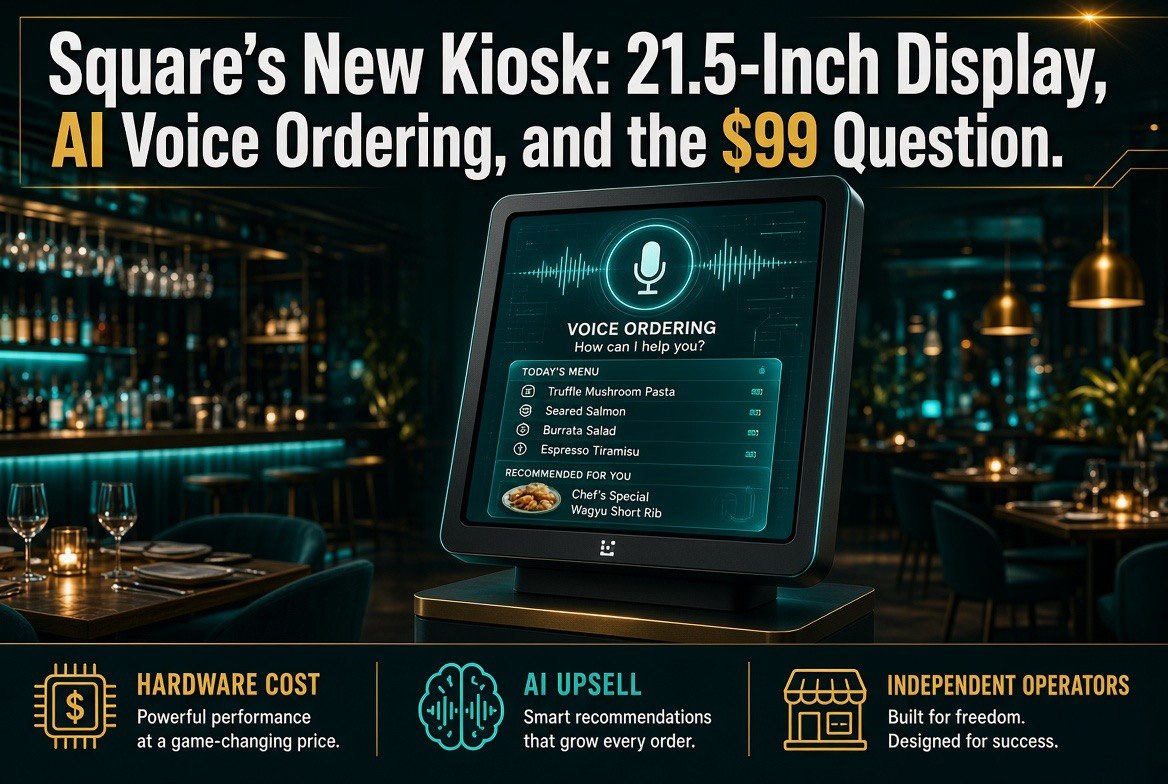
⚡ Expert Summary: Square has rebuilt its restaurant Kiosk — dropping the iPad-tablet approach for a dedicated 21.5-inch vertical unit with voice ordering and an agentic AI layer grounded in your own menu and sales data. Pricing starts at $1,999 plus a $99 monthly subscription per device. For independent operators, the real question is not whether the screen is bigger. It is whether an AI that upsells, answers allergen questions, and handles modifications earns back $99 a month — and whether self-service finally stops needing staff rescue. Here is what changed, what it costs, and how to decide.
Self-service kiosks have been the most oversold and under-delivered piece of restaurant technology for a decade. Square’s revision is the first serious attempt to fix the part that was always broken: the ordering experience itself.
Announced Wednesday, the updated Square Kiosk moves away from the tablet-style approach that relied on the operator supplying an iPad as the touchscreen, and replaces it with a much larger, vertically aligned unit carrying its own 21.5-inch display. For scale, a standard iPad has an 11-inch screen. This is roughly four times the display area, in a form factor built for a counter rather than a mount.
What the New Square Kiosk Actually Is
Three changes define this release, and only one of them is about hardware.
- A dedicated 21.5-inch vertical display. No operator-supplied iPad. The unit includes its own screen, starting at $1,999 with a countertop stand.
- A $99 monthly software subscription per device. The hardware price is not the cost of ownership. The subscription is where the AI capability lives.
- Voice ordering with an agentic conversational layer. Square says this layer understands the restaurant’s menu and responds in real time. It is the first voice-ordering-enabled POS device Square has shipped.
Square also introduced multi-account services for quick-service franchise groups, giving them tools to manage menus, reporting, and gift cards more easily while franchisees keep autonomy over their own locations.
The Numbers Behind the Kiosk Push
Kiosks are not a niche form factor, and the market data explains why Square is investing here rather than in another tablet accessory.
| Item | Figure | Why It Matters to an Operator |
|---|---|---|
| Square Kiosk starting price | $1,999 + countertop stand | Hardware capex per lane |
| Monthly software subscription | $99 per device | $1,188/year, recurring — the real cost |
| Display size | 21.5 inches (vs 11-inch iPad) | More menu visible, less scrolling, fewer abandoned orders |
| Square Stand (iPad option, still sold) | $149 | The budget comparison — 13x cheaper on hardware |
| U.S. interactive kiosk market | $6.79B (2025) → $9.53B (2030) | ~40% category growth; kiosks are going mainstream |
That kiosk market forecast comes from a MarketsandMarkets report. A category growing from $6.79 billion to $9.53 billion in five years is not a fad, and it is the context for why Square is willing to obsolete its own tablet-based product.
What the AI Layer Actually Does
This is where the release gets interesting, and where Square’s own spokesperson was unusually candid about the problem it is solving.
The company’s diagnosis, in its own words, is that many kiosks function more like digital menu boards than real ordering assistants. Buyers can add items and complete a transaction, but browsing can feel like a maze, and staff often have to step in to answer questions or troubleshoot orders.
That is a precise description of the failure mode every operator with a kiosk already knows. The hardware worked. The ordering experience did not.
Square’s answer is an agentic AI grounded in the seller’s menu and sales data. In practice, according to the company, it can:
- Answer menu questions, including allergy information and vegetarian options
- Suggest items and add-ons based on real-time context — what is popular at that location, the time of day, and common pairings
- Handle modifications within the order flow
- Surface relevant upsells during the ordering process
Guests can use voice, touch, or a combination of both. Square’s framing is that self-service should feel less like navigating a menu and more like getting help from someone who knows the business — and that this matters most during a rush, when staff are already juggling several tasks.
The upsell capability is the commercially significant part. A kiosk that recommends the right add-on reliably, every transaction, every day, is a different financial object than a kiosk that merely takes orders.
Voice, Privacy, and the Questions Operators Actually Ask
Voice ordering in a restaurant raises immediate practical objections, and Square has offered specific answers.
The unit uses three directional microphones combined with hardware- and software-based noise filtering to isolate the active conversation. Kiosk listens only during an active order session. On the idle screen, voice is disabled and the device is not listening. Notably, the device has no camera — presence detection is handled by sensors. Enabling voice is optional for both the consumer and the restaurant operator.
That matters for operators in venues where customers have privacy concerns, and it is a meaningfully different posture from systems that keep a sensor array live at all times. If you are weighing a kiosk against customer objections, these are the specifics to quote.
Kiosk vs. Stand: Which One Belongs on Your Counter
Square still sells the iPad-based Square Stand at $149, and the comparison is not as lopsided as the price gap suggests.
| Factor | Square Kiosk | Square Stand (iPad) |
|---|---|---|
| Hardware cost | From $1,999 | $149 (plus your iPad) |
| Monthly software | $99 per device | Existing Square plan |
| Display | Fixed 21.5-inch vertical | Your iPad, 11-inch typical |
| Voice ordering | Yes — first Square POS device with it | No |
| AI menu agent | Yes — grounded in your menu and sales data | No |
| Personalised check-in | Yes, via Neighborhoods or Square Loyalty profile | Limited |
| Best fit | High-volume counters, rush periods, multi-lane QSR | Low-volume counters, single-station use, tight capex |
The honest read: the Stand is a tablet on a mount, and at $149 it does the job for a low-volume counter. The Kiosk is a purpose-built ordering station with an AI agent, and it costs roughly thirteen times more on hardware plus a recurring fee. That gap only closes if the AI measurably increases average ticket or reduces the staff interventions your current setup requires.
The Loyalty and Personalisation Angle
One capability deserves separate attention because it is easy to miss in the hardware announcement.
Kiosk can provide personalised check-in when a customer connects their Neighborhoods profile or Square Loyalty account. Neighborhoods, launched a year ago, connects sellers with Cash App users.
That turns the kiosk from an anonymous ordering terminal into an identified customer touchpoint. A returning customer’s order history, loyalty status, and preferences become available at the point of order — which is precisely the moment when a relevant suggestion converts. For operators already running Square Loyalty, this is the feature most likely to justify the subscription.
What It Takes to Set Up
Square has kept configuration in the existing dashboard rather than introducing a new system, which is a meaningful operational detail.
To make a menu available on Square Kiosk, sellers turn on Kiosk as one of the places that a particular menu appears, alongside other sales channels. Sellers can also customise the idle screen with their own logo, and specify when different menus should appear.
The company explicitly notes that the more detail a seller adds — item descriptions, allergen information — the more helpful the AI becomes, and that imagery added to items helps bring the menu to life visually. Translation for an operator: the AI is only as good as the menu data you feed it. A sparse menu produces a sparse agent.
What Independent Operators Should Actually Do
Four practical steps before committing capital.
1. Calculate the Subscription Before the Hardware
$99 a month per device is $1,188 a year, recurring, forever. The $1,999 hardware cost is a one-time decision; the subscription is a permanent line item. Model it against one device across three years — roughly $5,500 all-in — and ask what average-ticket lift would be needed to cover it. If the answer is a number you can plausibly hit, the math works. If it is not, the $149 Stand is still on the shelf.
2. Audit Your Menu Data First
Square is direct that AI helpfulness scales with menu detail. Before buying, check that your item descriptions, allergen fields, and pairing logic are actually populated. Most restaurants find their menu data is thinner than they assumed. Fixing that costs nothing and improves every channel, not just Kiosk.
3. Pilot One Lane, Not the Store
Install one unit and measure two things for sixty days: average ticket versus your counter baseline, and staff interventions per hundred orders. Those two numbers decide the rollout. If the AI upsells and the interruptions drop, scale. If staff are still rescuing the kiosk, the problem is the menu data, not the hardware.
4. Use the Privacy Specifics With Customers
Three directional microphones, active-session-only listening, no camera, voice disabled on the idle screen, and voice opt-in for both guest and operator. If your customers raise surveillance concerns about kiosks, those are the facts to give them — and they are more specific than most vendors offer.
The Two Numbers That Decide This Purchase
Strip away the product detail and the Square Kiosk decision comes down to two measurements, both of which you can take before spending a dollar.
The first is your current average ticket on a self-service or counter transaction. The second is how often a member of staff has to leave the line to rescue an order. If the AI layer moves the first number up and the second number down, the subscription pays for itself. If it moves neither, you have bought a 21.5-inch menu board with a recurring fee attached.
That framing matters because kiosk purchases are usually justified on the hardware — a bigger screen, a sleeker counter, a modern look. Those are real benefits and they are not what makes money. The money is in the add-on that gets suggested at the right moment and the staff member who stays on the line instead of troubleshooting.
Set both baselines before you install anything. A sixty-day pilot against numbers you recorded in advance is the difference between a decision and a hope.
Frequently Asked Questions
How much does the new Square Kiosk cost?
Square Kiosk starts at $1,999 with a countertop stand, and requires a $99 monthly software subscription per device — about $1,188 per year, recurring. The older iPad-based Square Stand remains available at $149 for operators who do not need the AI features.
What is new compared to the previous Square Kiosk?
The previous version was tablet-like and relied on the restaurant supplying an iPad as the touchscreen. The updated unit has its own 21.5-inch vertically aligned display, adds voice ordering with an agentic conversational layer, and includes AI-enabled menu features. It is the first voice-ordering-enabled POS device Square has released.
How does the AI ordering assistant work?
Square says the agentic AI is grounded in the seller’s menu and sales data, so it can answer questions, suggest items, handle modifications, and surface relevant upsells. Suggestions use real-time context such as what is popular at that location, the time of day, and common pairings. Guests can order by voice, touch, or a combination.
Does the kiosk listen all the time?
No. Kiosk listens only during an active order session, and on the idle screen voice is disabled entirely. It uses three directional microphones with hardware and software noise filtering to isolate the active conversation, has no camera, and handles presence detection through sensors. Voice is optional for both the guest and the operator.
Can customers get allergen and dietary information?
Yes. Diners can ask about allergy information and vegetarian options, and the AI can respond based on the menu data the seller has provided. The detail in your menu records directly determines how well this works.
How big is the restaurant kiosk market?
One forecast cited in coverage of the announcement projects the U.S. interactive kiosk market growing from $6.79 billion in 2025 to $9.53 billion by 2030, according to a MarketsandMarkets report — roughly 40% growth.
Is the Square Kiosk worth it for an independent restaurant?
It depends on volume and menu data. The Kiosk costs roughly thirteen times the hardware price of Square Stand plus a recurring subscription, so it needs to earn that back through higher average tickets and fewer staff interventions. Best approach: pilot one lane for sixty days and measure average ticket and interventions per hundred orders before scaling.

About Barak Schurr
Barak Schurr built and exited a major ticketing platform, ran global operations at Eventbrite, and now focuses on one question: which AI tools actually help independent restaurant owners run leaner and grow faster. He writes from the operator’s perspective — no vendor spin, no theory, just what’s real in 2026.
Email: [email protected]
More Resources for Restaurant Operators